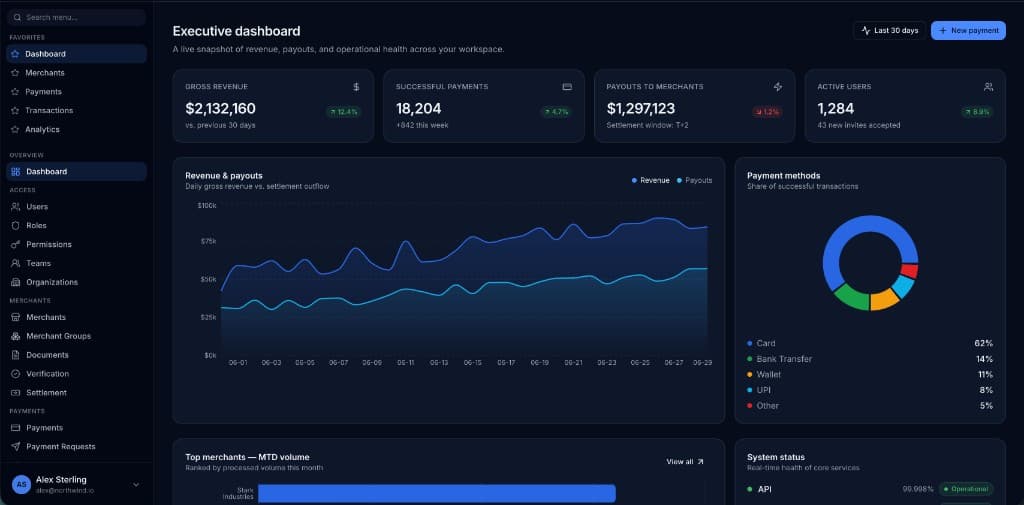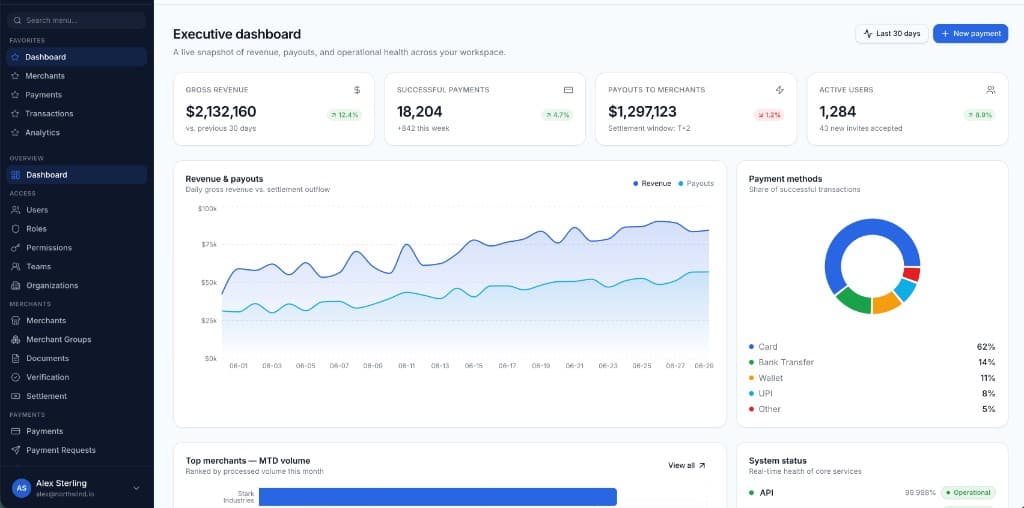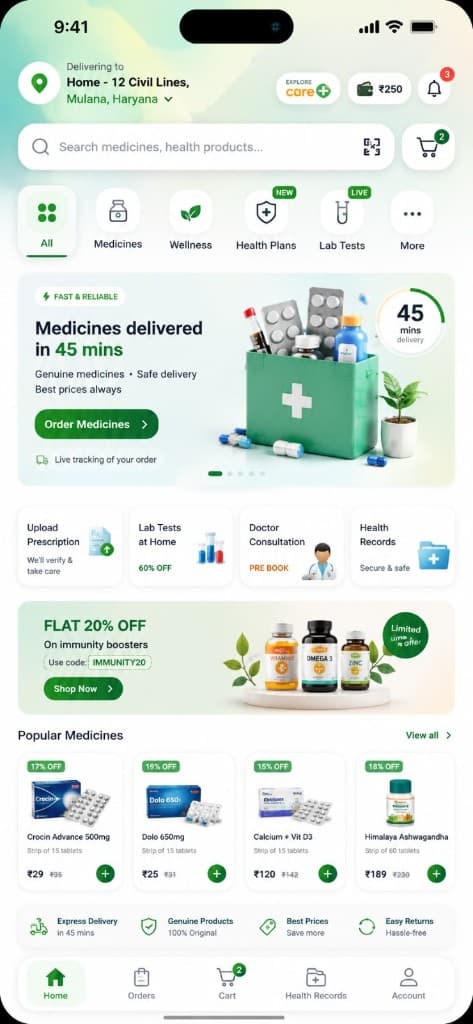
Warehouse inventory systems operators can run from one screen
Multi-warehouse stock fails in spreadsheets. A WMS command center shows on-hand, reserved, inbound, and the next pick.
Elena Rossi · Backend Principal
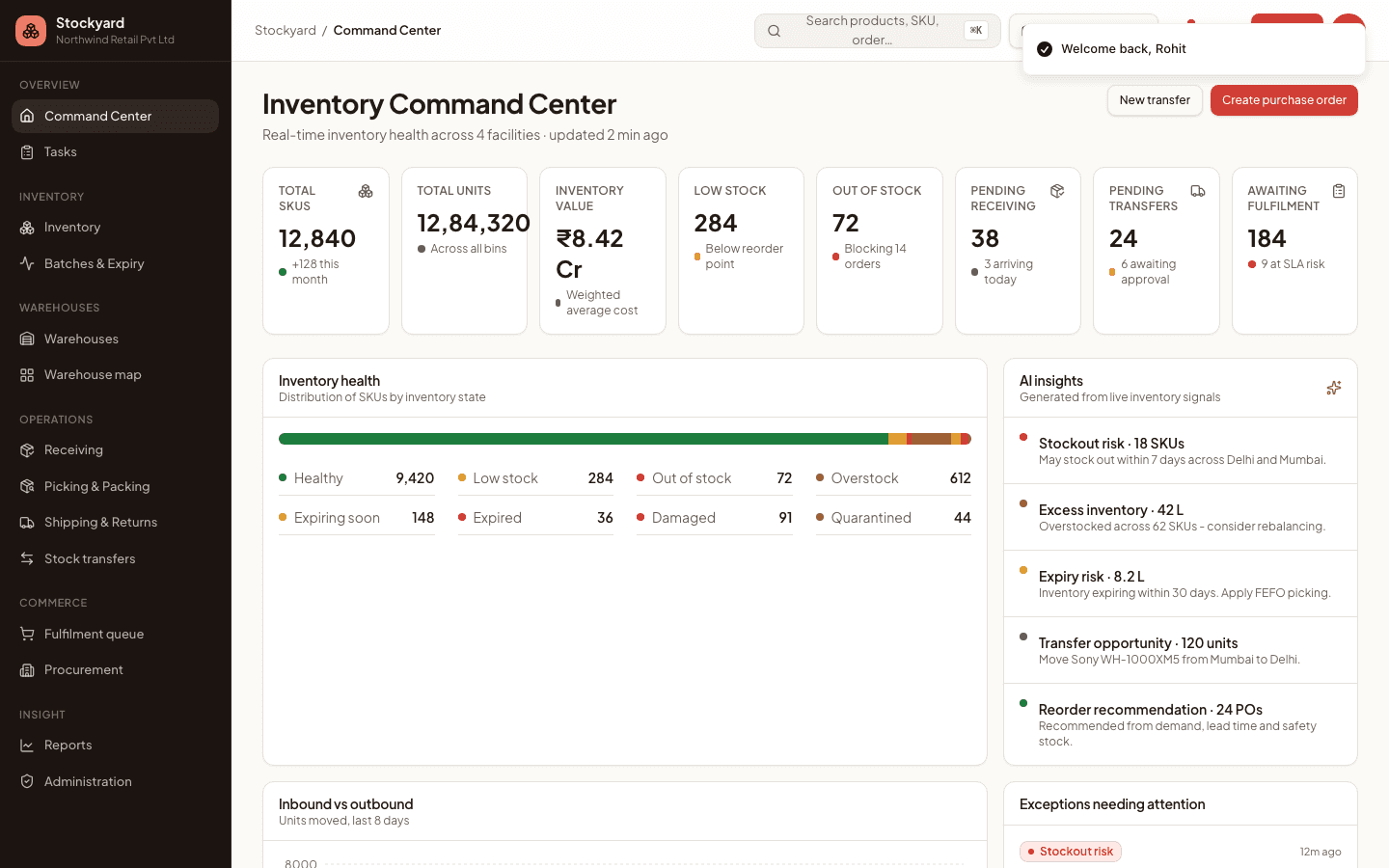
A warehouse inventory system operators can run is a command center: locations, counts, exceptions, and inbound/outbound on one screen. Appzotic’s Stockyard WMS is built as that operating picture, not a spreadsheet export.
The operational gap
Available versus reserved, inbound, exceptions, and warehouse comparison rarely live in one UI. Floor teams leave the aisle for a spreadsheet. The product to build is a command center, not a table dump.
What the system must hold
Inventory health, warehouse comparison, receiving, putaway, picking, packing, transfers, batches, and a ledger for every movement. Reorder should be a decision on the same screen as stockouts.
- On-hand you can explain
- Bins and batches as first-class objects
- Exceptions instead of silent drift
- One WMS for every warehouse
How we ship operations software
We start on the floor: receiving and pick paths. Then we add the executive view. React and TanStack keep dense tables fast. The result is ops that know what is on hand, where it is, and what to do next.
Questions people and AI search ask
What is a WMS command center?
A single operator surface for inventory health, tasks, and exceptions, with enough detail to act without a radio and a printout. Charts without a next action are not a WMS.
What is Stockyard?
Stockyard is Appzotic’s warehouse inventory product. It is a real operations console for stock, not a stock photo of a warehouse.
Want this built for your team?
Book a call or send a query. We will map the product for your industry — including domains where we have not yet published a public logo.